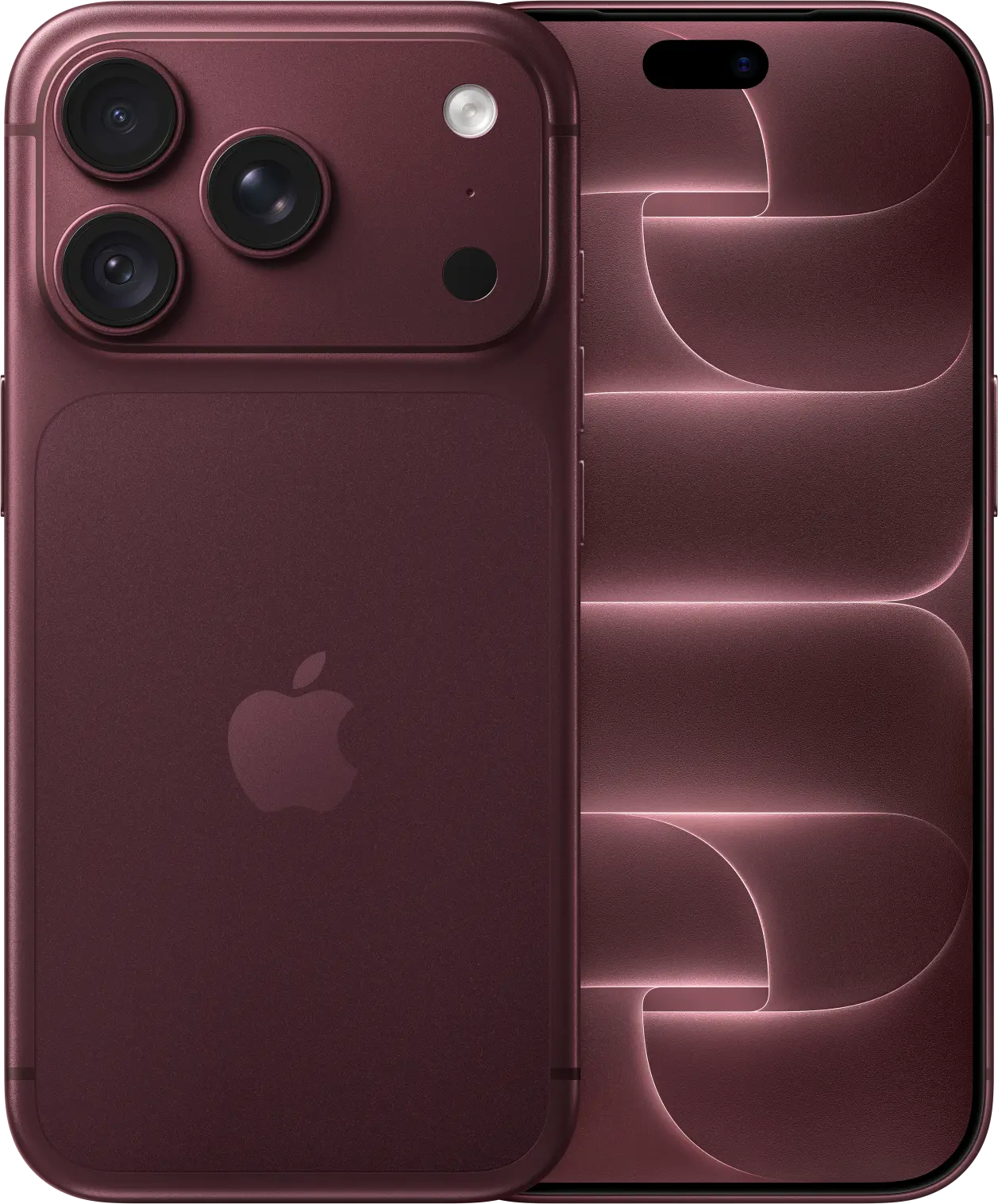







Every lithium‑ion battery holds a little less charge as it ages. Its chemical age depends on more than time: heat and how it’s charged matter too. A few settings slow that down.
iPhone 15 and newer: set a charge limit
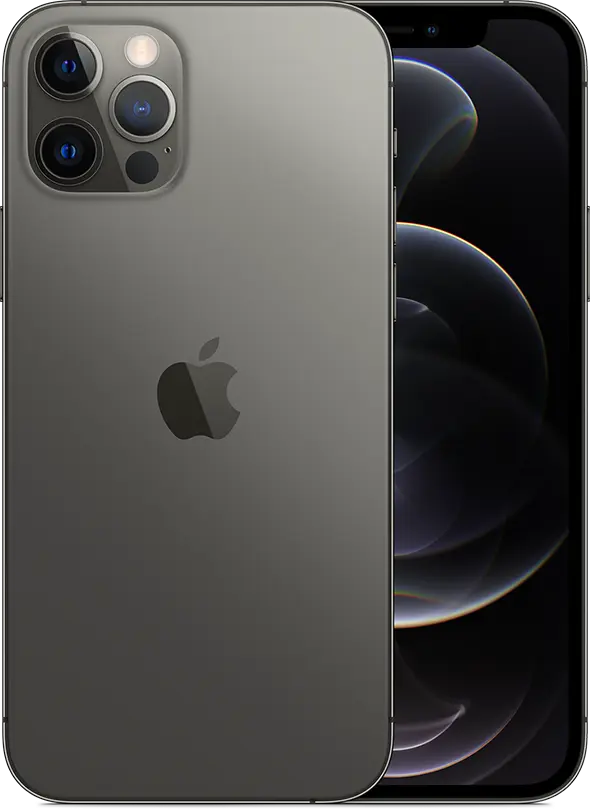
Go to Settings > Battery > Charging and choose a limit between 80 and 100 percent. Your iPhone stops charging near the limit, so it spends less time full. If you’re home most nights and rarely run flat, 80 or 85 percent is a good choice. Your iPhone still charges to 100 percent now and then to keep its battery readings accurate.
iPhone 14 and earlier: Optimized Battery Charging
Go to Settings > Battery > Battery Health & Charging and make sure Optimized Battery Charging is on. Your iPhone learns your routine and waits at 80 percent overnight, finishing just before you usually unplug. It needs about two weeks to learn your habits.
Everyday habits that help
- Keep it cool. Don’t leave your iPhone in a hot car or charging under a pillow.
- If your iPhone gets hot while charging, take it out of a thick case.
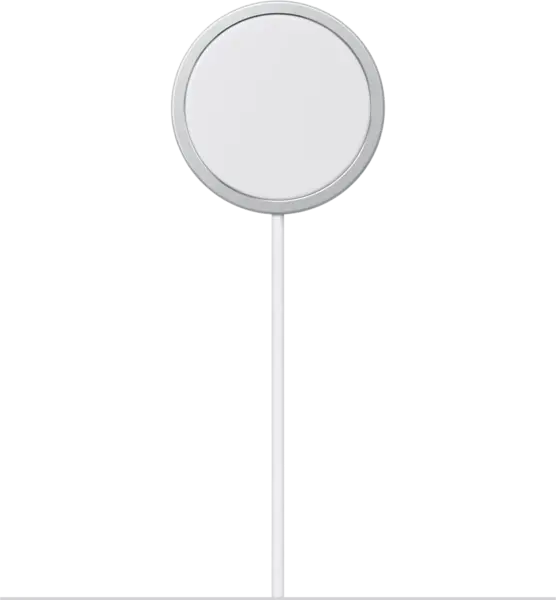
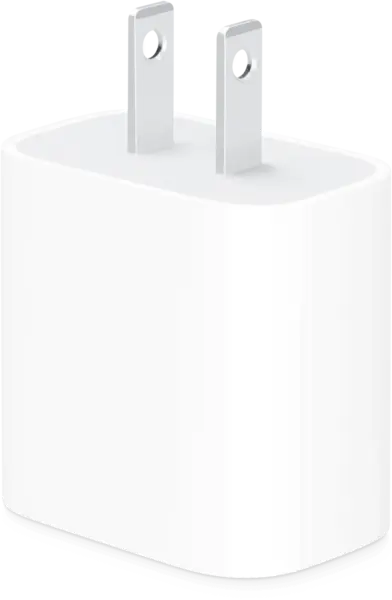
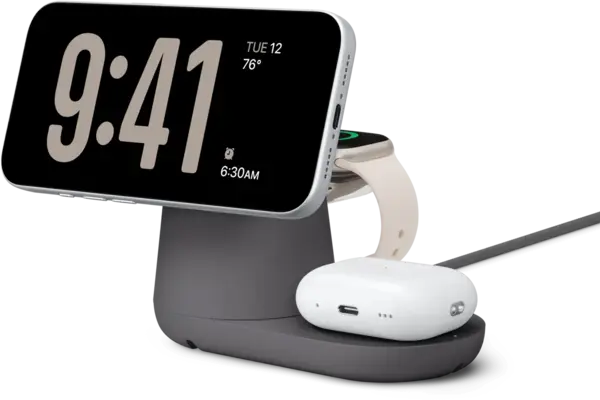
- Use a good charger: Apple’s own or a certified MagSafe or Qi2 charger from a brand like Belkin.
Source: Apple Support: About iPhone battery and performance / charging.